
Weak Signals: A Major Breakthrough in Reveelium V12
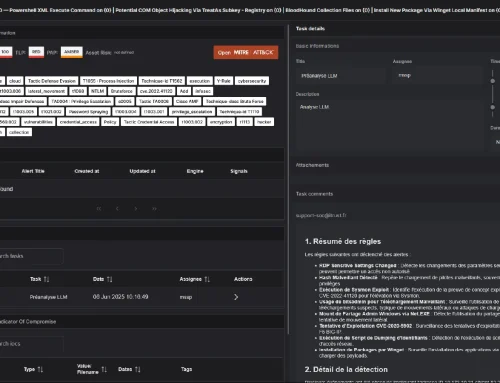
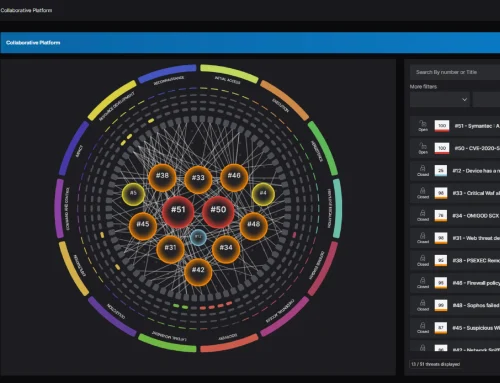
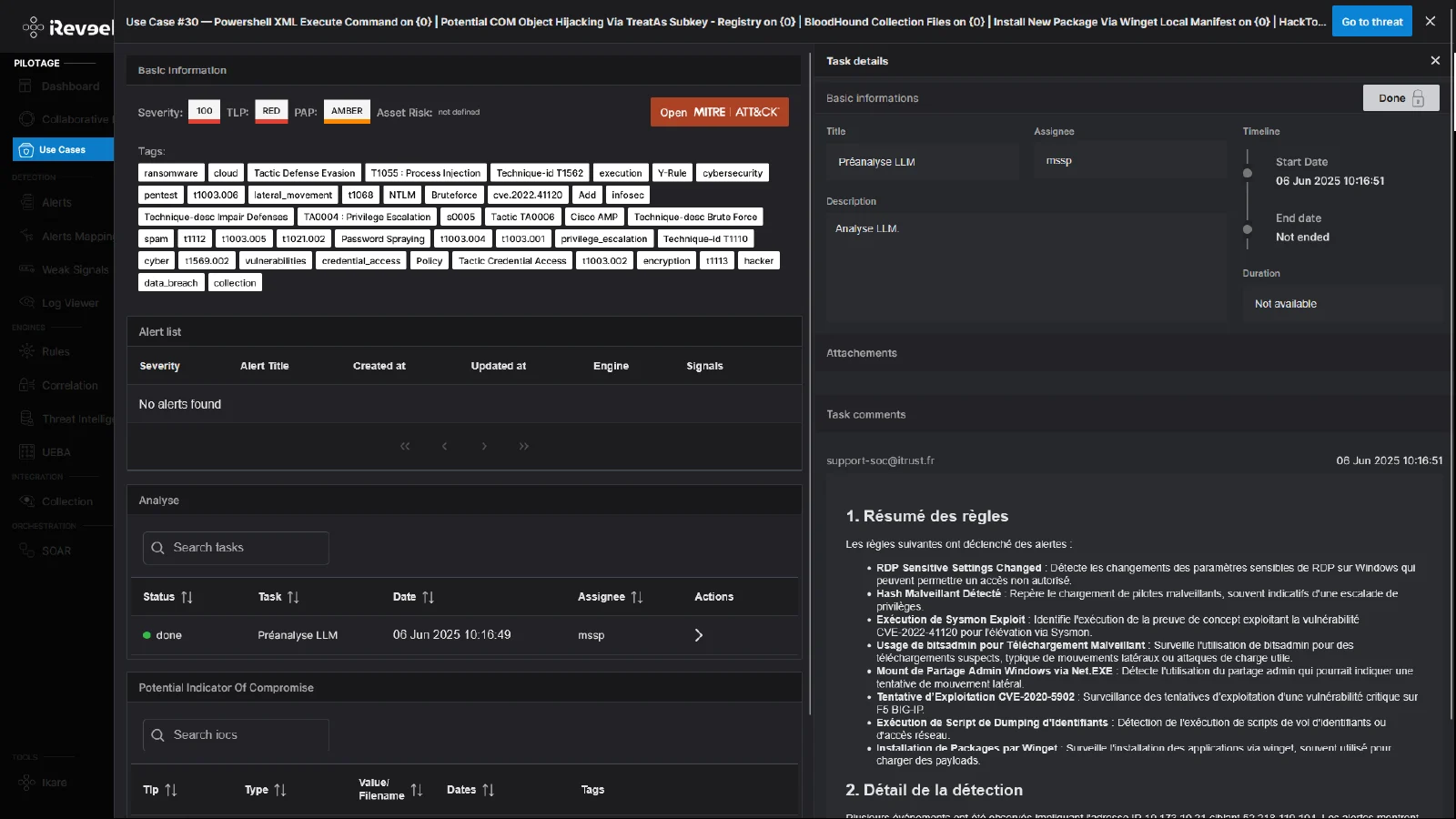
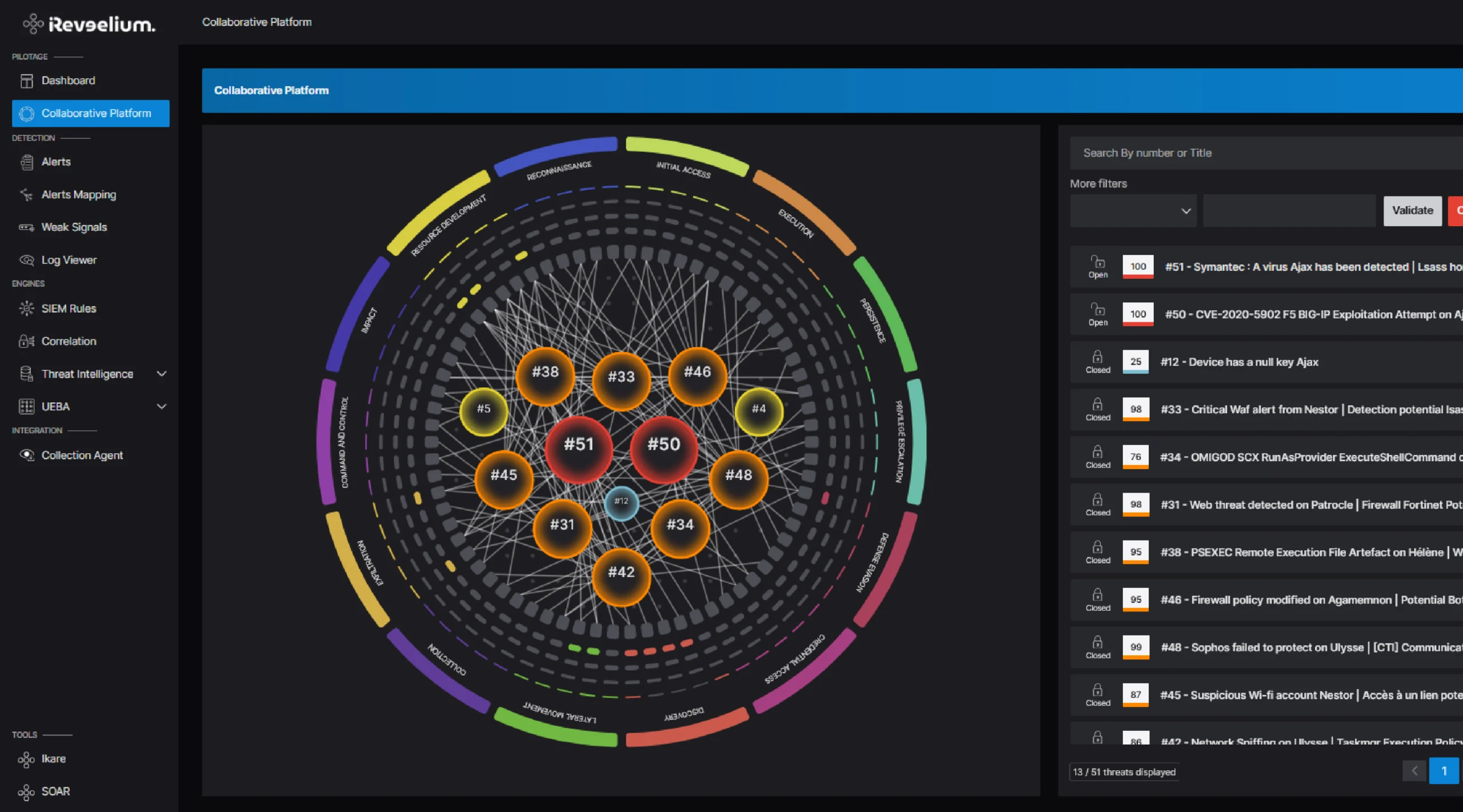
One of the main challenges in Reveelium version 12 was to redefine the threat classification structure. The process is now based on a structured and optimized cycle: based on logs, weak signals are identified and then reclassified as alerts. These alerts are then analyzed by SOC experts to create incident tickets—referred to as “threats”—enabling targeted and rapid responses to customers.
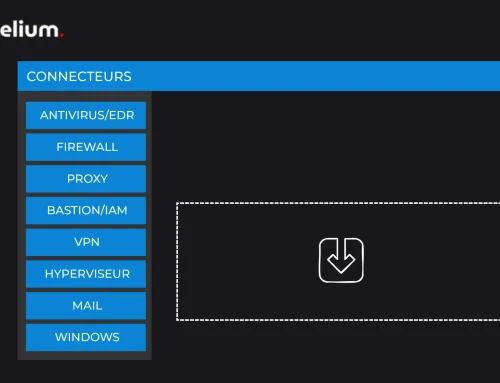
Weak signal detection also performs better in v12 thanks to a Weak Signals database integrated into the platform. This database is enriched by all of our engines (SIEM Rules, Threat Intelligence, and UEBA), enabling the generationof higher-level security alerts.
The Weak Signals tool has been standardized to integrate fully with the detection engines and the platform, combining visual consistency with technical innovations.
Reveelium v12 Weak Signal Detection: Customer Case Study
Tutorial: Review of the Basics of Weak Signals
The Weak Signals module is a key feature of Reveelium designed to detect weak security signals and provide a better understanding of risks in real time. By using the various charts, filters, and detail options, you can analyze alerts in depth and respond quickly to threats.
Advanced Filters for Weak Signals
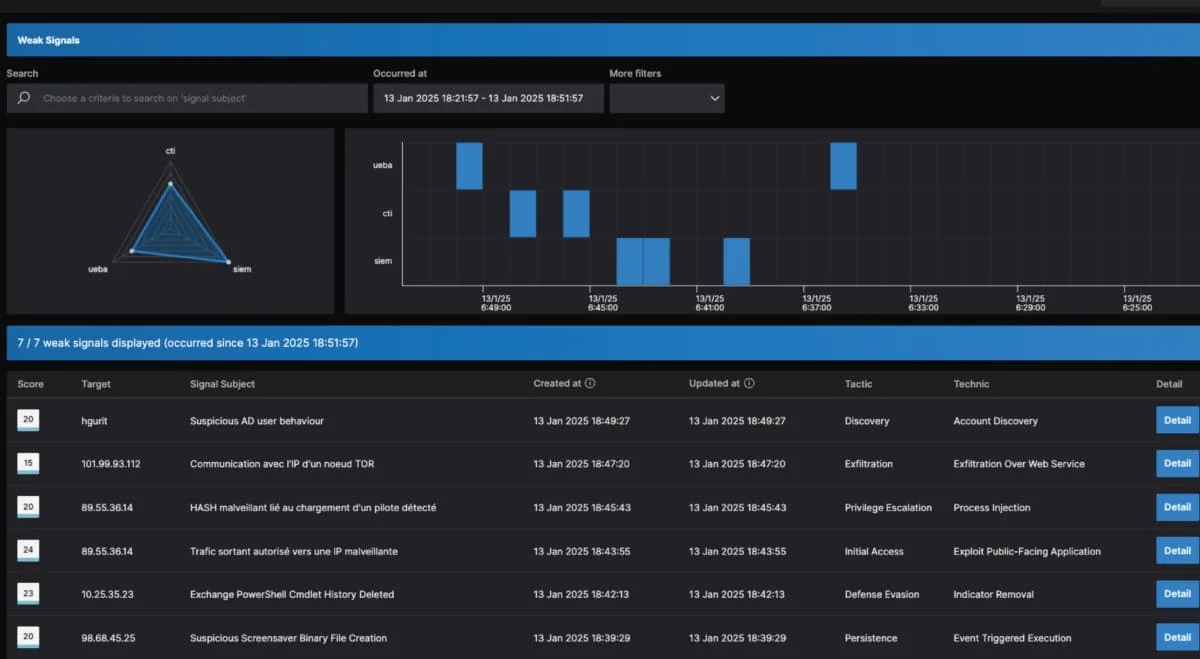
The use of advanced filters makes it possible to generate more accurate, meaningful, and relevant alerts, thereby enhancing overall customer security. The list of weak signals can be filtered based on various criteria, allowing users to focus on the most relevant alerts.
- Default view: The first 20 alerts are displayed by default. You can view more alerts by clicking the "Load more" button, which displays 20 additional rows.
- Filter Criteria : Here is a non-exhaustive list of filtering criteria.
- Score: Signal Severity Level
- Target: Target affected by the signal
- Signal Subject (signal title): Concise description of the weak signal
- Occurred at (date of occurrence): The time when the signal was detected
- Tactic: The MITRE ATT&CK matrix criterion to which the signal belongs
- Technique: Sub-criterion of the MITRE framework to which the signal corresponds
- Signal Details: A "Detail" button allows you to view detailed information about a weak signal
Charts and Histograms: The Essentials at a Glance
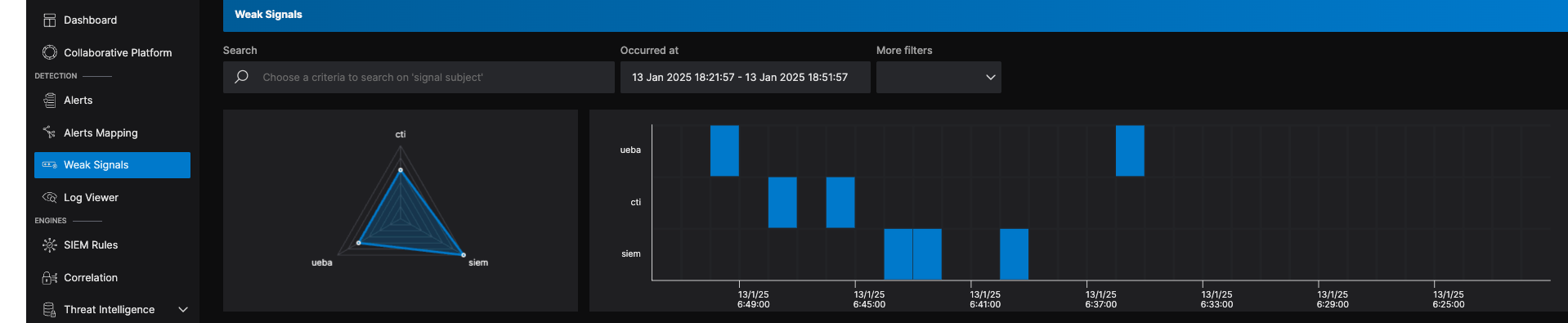
Graphical visualization: Radar
This chart displays the number of low-severity alerts reported by each detection engine based on the active filters. It provides an overview of the distribution of detected signals and highlights the balance among the different engines.
Histogram Visualization: Heat Map
The histogram shows the number of alerts by detection engine, based on the applied filters. When you hover over an element in the graph, key information such as the date and time, the relevant engine, and the number of alerts is displayed. The goal is to analyze the distribution of weak signals over time to better understand how they evolve.
Details of a Weak Signal
When you click the "Details" button, a pop-up window appears. This window provides detailed information about the weak signal, allowing you to analyze the data associated with this incident.
When you click “Details,” a pop-up appears. It contains the following information:
- General information: Score, affected entity, creation and occurrence dates, detection engine, and organization involved.
- Signal Details: Signal title and description.
- Additional information: Source and destination IP addresses, signal details and sources, common sources, description, and alert threshold.
Accessing and Managing Logs with the Log Viewer
The Log Viewer provides an advanced interface for viewing and searching all logs recorded for your organization. It allows you to perform precise searches using filters for dates and "Time Range" (absolute or relative), as well as queries that use logical operators and intuitive graphical tools.
What are Weak Signals?
"Weak signals" refer to events or patterns identified in logs that, when viewed in isolation, may seem insignificant. However, when analyzed within a broader context, they can reveal unusual behavior or indicate potential threats. Here are a few examples:
- A gradual increase in the rate of requests to a server
- Unusual connections from a distant geographic location
- Repeated attempts to read a sensitive file
- A slight increase in calls to deprecated APIs
- Files that were deleted and then recreated with similar names
- Unusual use outside of business hours
- Repeated microtransactions on a payment system
- The occurrence of sporadic but similar error messages in an application
- Repeated email messages sent from accounts with low activity
- Recently activated network devices emitting unusual signals