

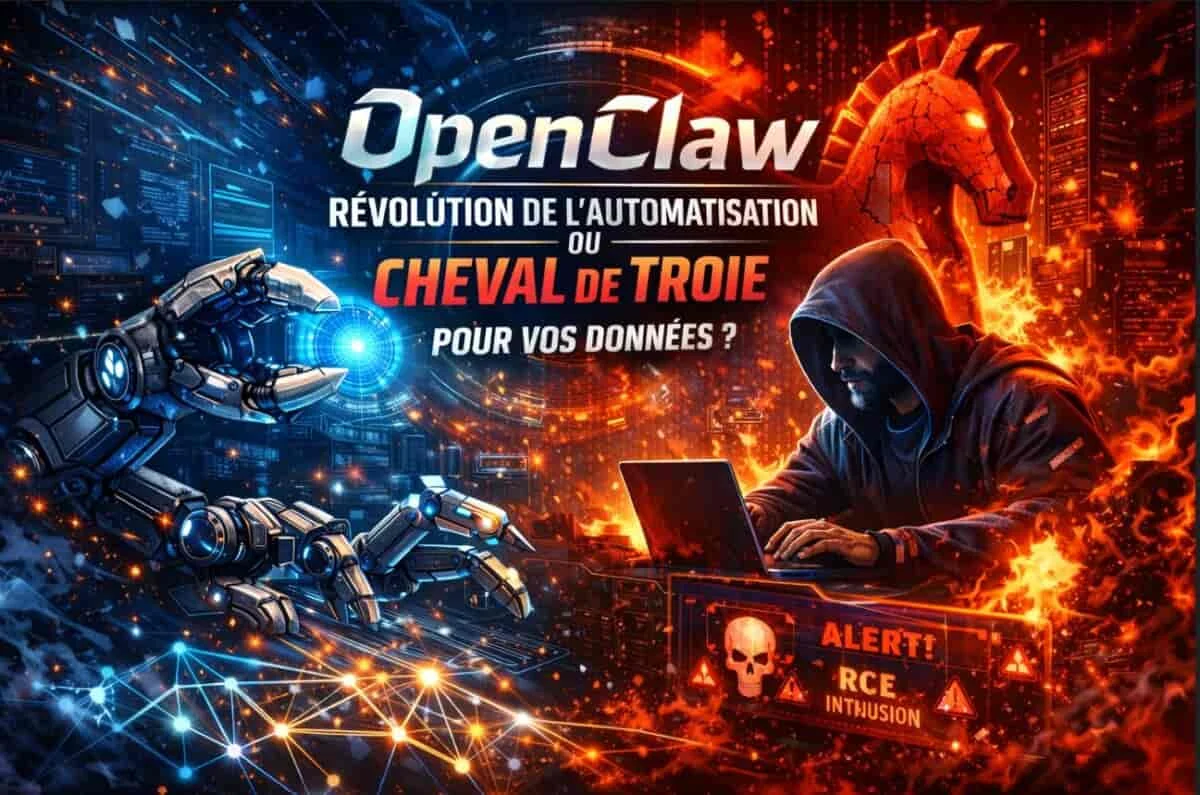
Following an in-depth analysis of community feedback (Reddit, GitHub, technical demos), here is an overview of OpenClaw, a tool making waves in the AI agent ecosystem, but raising as much enthusiasm as it does security concerns.
What is OpenClaw?
Initially known as ClawdBot — rebranded to avoid trademark disputes with Anthropic's Claude model — OpenClaw positions itself as an automation framework for Large Language Models (LLMs).
Unlike a standard chat interface, OpenClaw acts as an orchestrator. It allows you to:
- Automate complex workflows: Sequencing tasks without human intervention.
- Run 24/7 operations: Many users leverage it to launch massive analyses overnight and retrieve results early in the morning.
- Unified interface: It simplifies prompt dispatching and response handling across various models (OpenAI, Anthropic, etc.).
The Risks: Balancing Cybersecurity and Sovereignty
While the promise of productivity is genuine, the tool presents critical grey areas, particularly for enterprise use.
1. The Danger of Remote Code Execution (RCE)
OpenClaw has the ability to execute commands directly on the host machine. This is where the greatest risk lies: Prompt Injection.
If an attacker manages to manipulate user input to force the AI into generating a malicious system command, your server (and potentially your entire local network) could be compromised.
2. Sovereignty and GDPR
By default, OpenClaw relies on APIs from US tech giants. In an enterprise environment, this raises two major issues:
- Customer data leakage: Data transits through third-party servers.
- Compliance: Storage outside the EU is hardly compatible with the strict requirements of GDPR. To learn more about AI and privacy challenges, consult the CNIL recommendations on AI.
How to Test OpenClaw Securely?
Before considering any business integration, a PoC (Proof of Concept) phase is essential. Here are our recommendations for cautious exploration:
Prioritize Isolation (Sandboxing)
Never run OpenClaw on your primary machine or on your corporate network. The ideal setup is an isolated VPS (Virtual Private Server) in the cloud or a restricted Docker container.
System Requirements
To get started, the tool requires an active API key from one of the following providers:
The Local AI Route (Sovereignty)
The crucial next step of our benchmark will be verifying OpenClaw's compatibility with local solutions such as Ollama or LM Studio. Using a local model would resolve privacy concerns by keeping data strictly within our own servers.
| Solution | Type | Advantage | Drawback |
|---|---|---|---|
| API | Cloud SaaS | Maximum performance | Cost and data leakage |
| Local AI (Ollama) | Self-hosted | Total privacy | Requires a powerful GPU |